
Before starting
The announcement lists August 28, 10:00–September 30, 05:59 (UTC+8). This is a dated guide, not a live availability tracker. Check your client for access requirements and later changes; the cited guide does not specify an unlock quest.
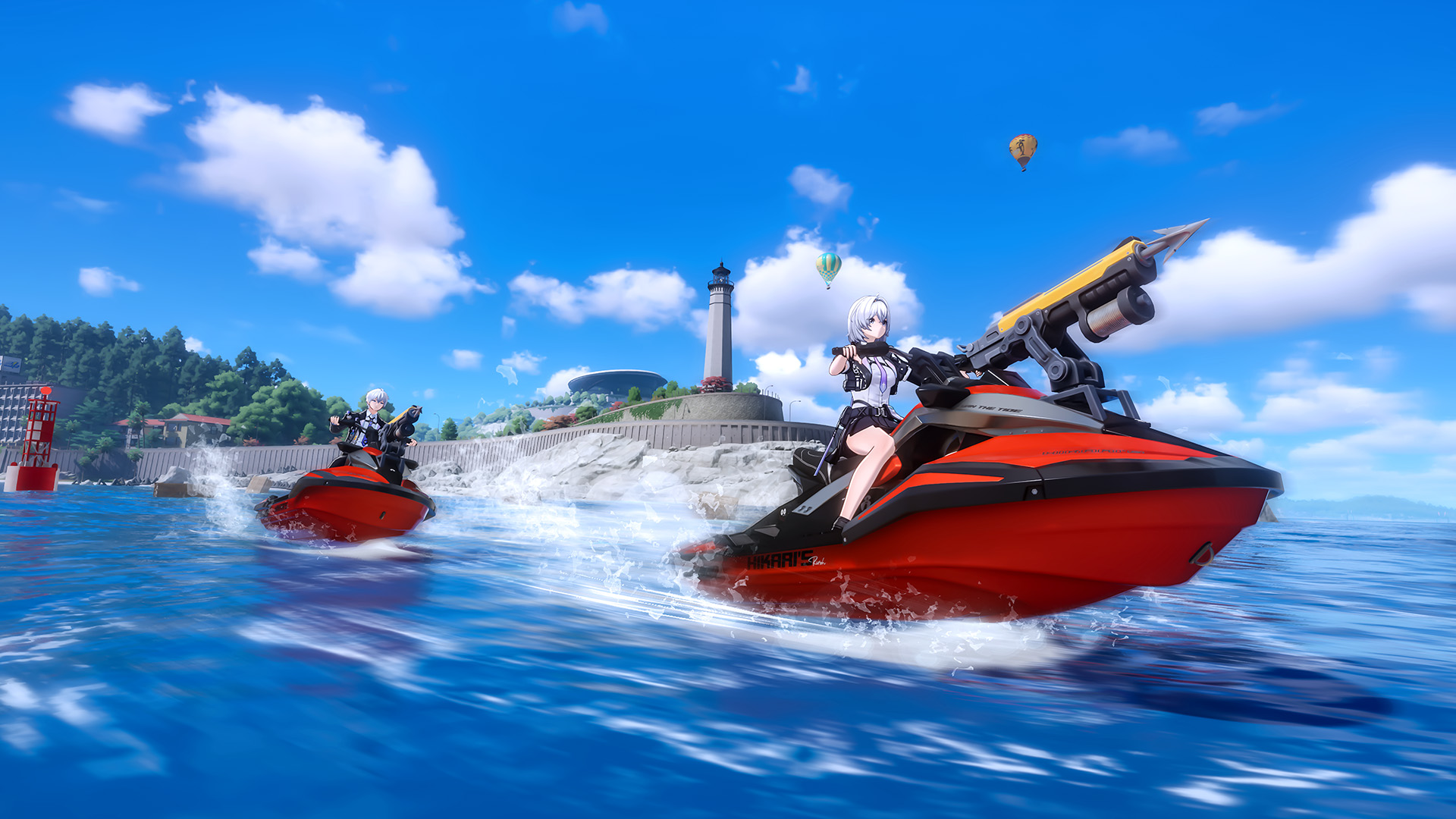
Stay inside the harpoon's weight limit. Slow down when aiming is difficult.
Watch the energy markerHead back before energy drops too low, or use an energy supply crate.
Turn in recovered cargoSea materials can upgrade the jet ski and harpoon; participation yields event currency.
Order and shop inventory: verifyThe arrows explain the official guide's reading order. They do not establish an unlock quest, optimal route, upgrade priority or complete reward list.
Source: NTE official Steam gameplay guide · August 28, 2026 · Version 1.3 context.
Swipe sideways to compare all columns →
| Moment | Dated official guide | Check in your client |
|---|---|---|
| Start | The August 28 guide gives the event window. | Confirm access and the current event rules before entering. |
| Collect | Aim the harpoon at cargo within its weight limit; watch energy. | Read the displayed cargo weight and remaining energy. |
| Return | Bring recovered cargo to the starting point to turn it in. | Confirm the turn-in state before another collection attempt. |
| Exchange | Participation provides Drifting Bottles for the event shop. | Read the current stock, price and claim deadline before spending. |
The table organizes the historical guide. It does not establish an unlock quest, optimal route, drop rate or current shop inventory.
1. Aim and collect
Use aiming mode to fire the harpoon. Cargo must fit its weight limit; slow down if aiming is difficult. Watch the energy marker: return or find an energy supply crate before energy drops too low.
2. Return to turn in cargo
Bring recovered cargo back to the starting point to turn it in. The guide also identifies sea-found materials for upgrading the jet ski and harpoon. It does not provide a verified optimal upgrade order.
3. Exchange event currency
Earn Drifting Bottle currency through participation, then exchange it in the event shop. Check the shop’s actual item names and prices before spending; this page does not reproduce a complete reward inventory.
Editorial planning tip: decide when to return before starting another collection attempt. Use the Daily Checklist to remind yourself to review event notices, and the time-zone guide to interpret deadlines.